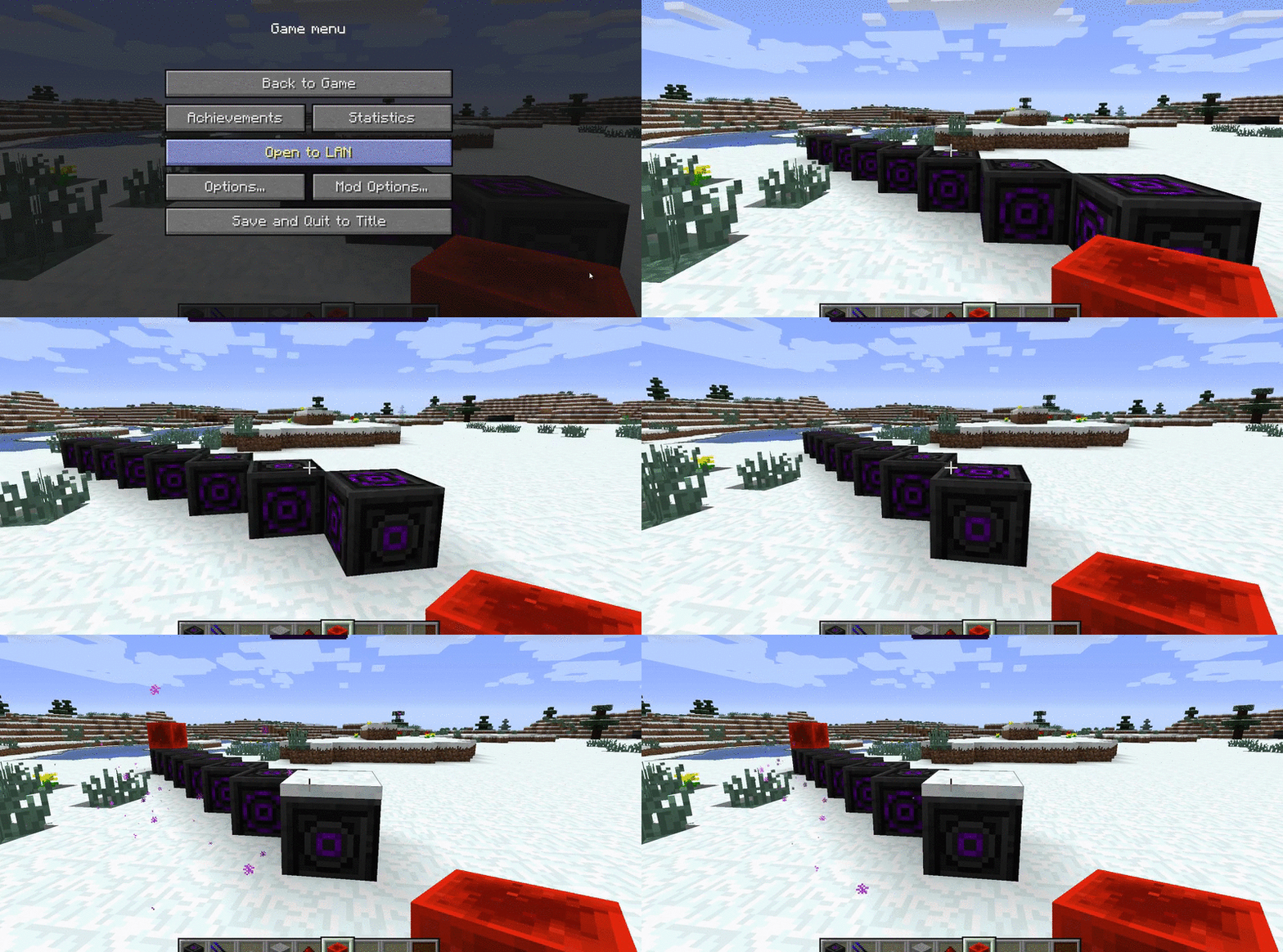
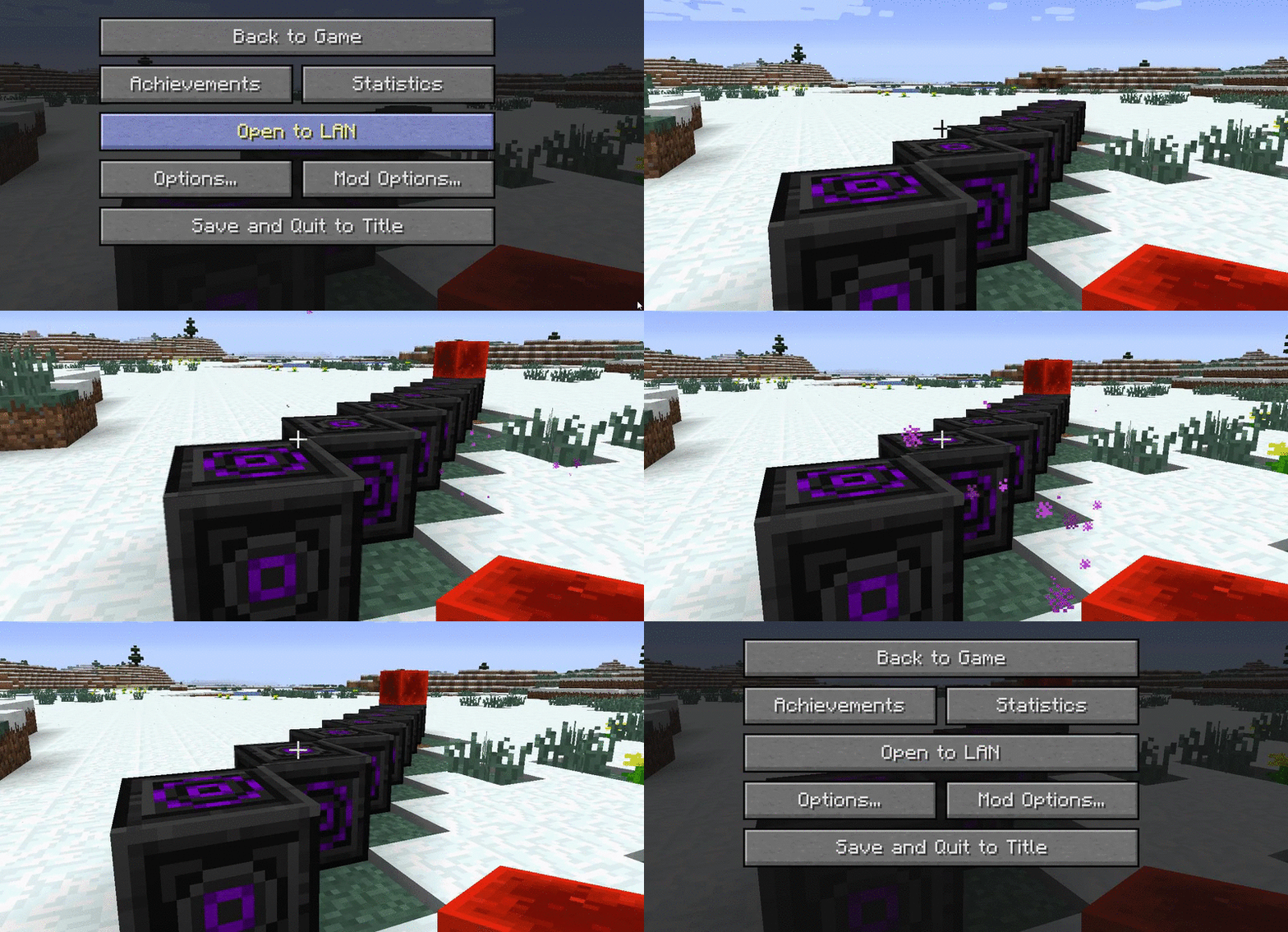
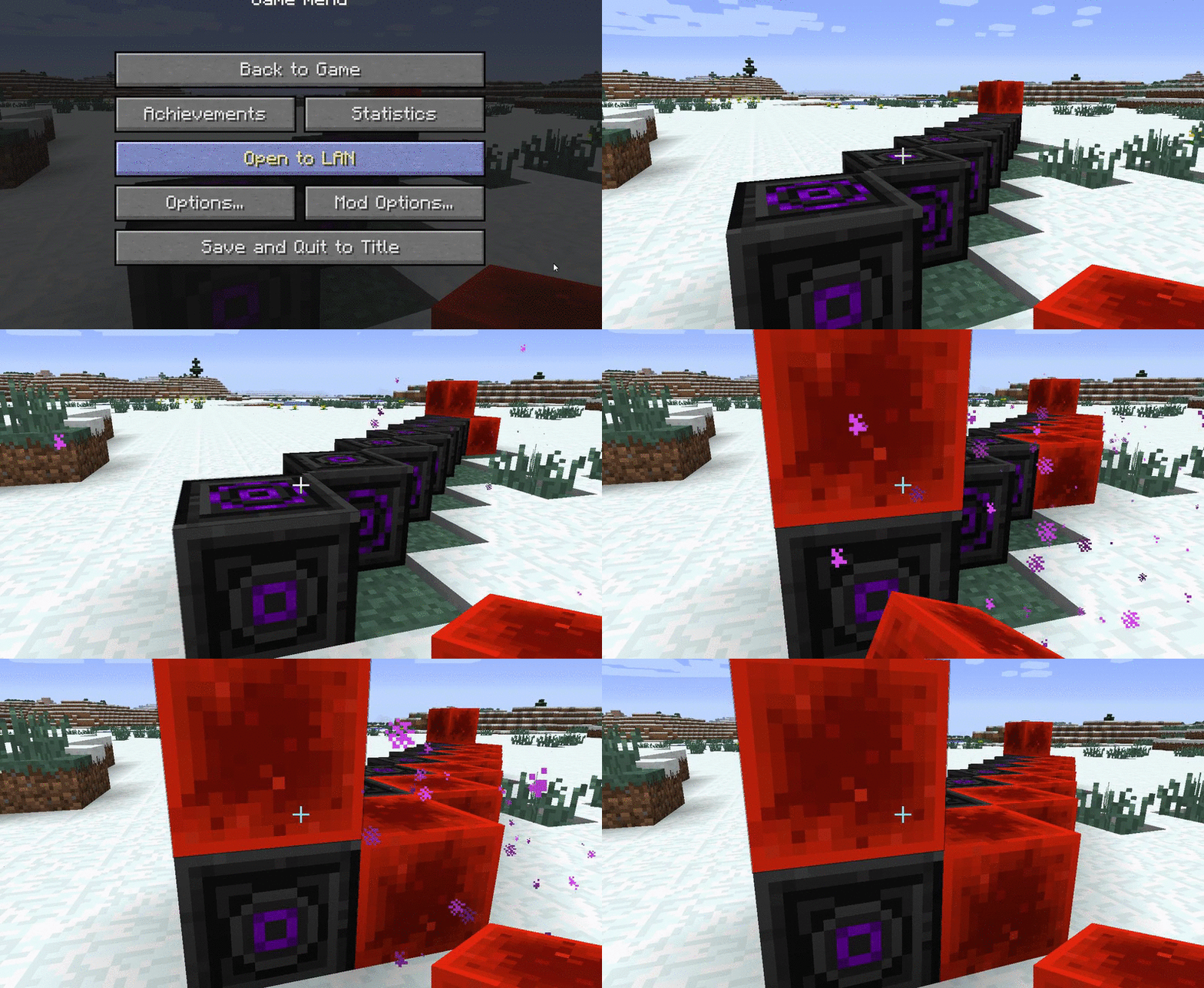
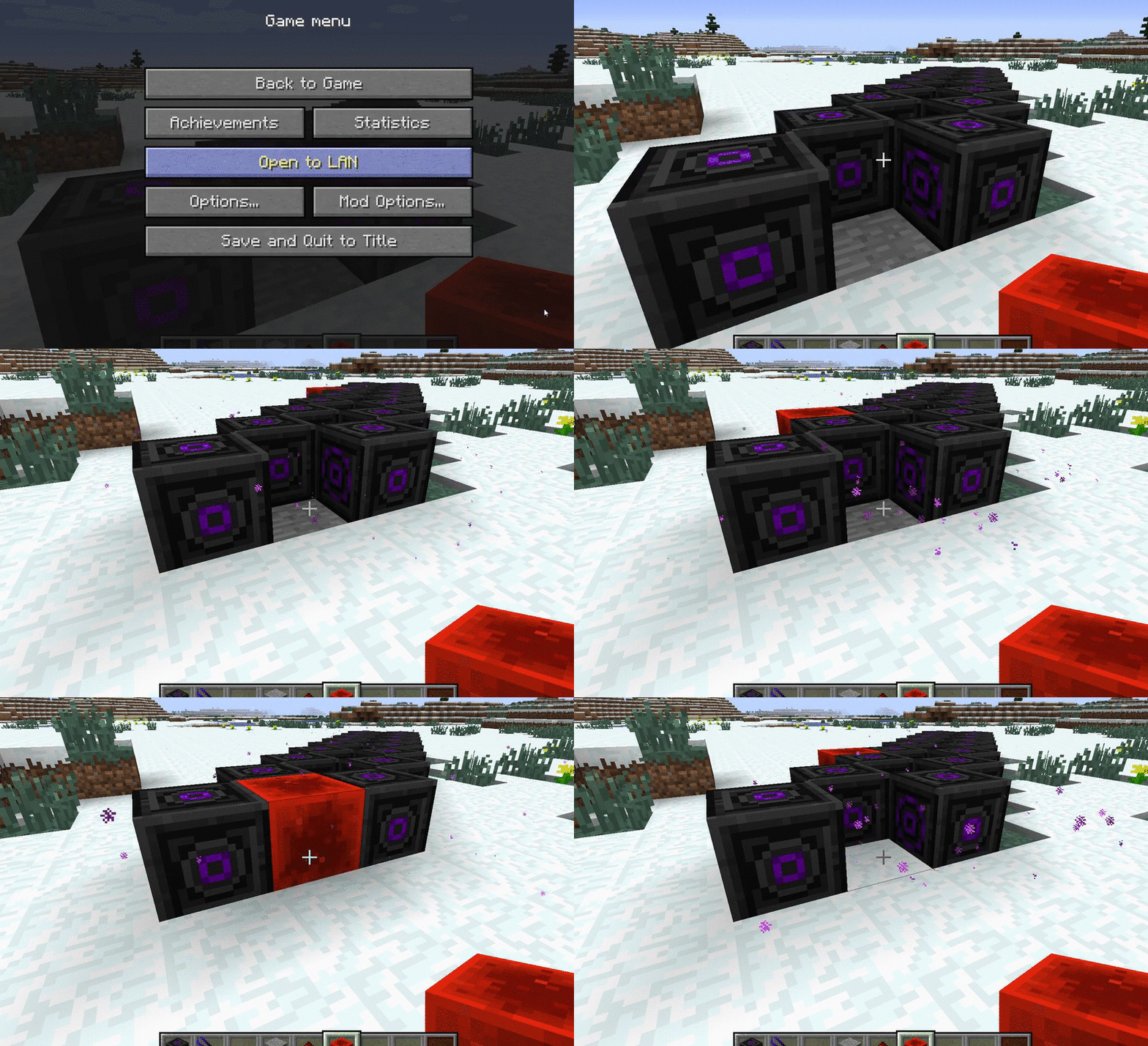
I realize that what I've been posting up here has been a lot of talk and not a lot of show. I don't like showing off things until they're pretty much complete, and everything else is still in its final stages. However, I do want to show off the core driving mechanic behind everything Femtocraft.
The Goal
As I said in the past, I was inspired to make Femtocraft to fulfill the void left by Equivalent Exchange 2. However, I definitely did not want to follow in the footsteps of this mod, as it was a polarising force in the modding community. Some people loved it because it essentially gave you creative mode in survival within a few days. Other people hated it because it essentially gave you creative mode in survival within a few days. As such, this is not an easy problem to tackle.
When I set about designing Femtocraft, I had to analyze EE2 to attempt to understand what made it so ridiculously powerful. I essentially boiled it down to 2 main mechanics. First, EE2 had means of generating free mass. Not only this, but it contained multiple tiers, so called "Power Flowers", that were capable of generating diamonds, dark matter, and even red matter in matters of seconds. This output was greater than any quarry would ever be capable of, and completely eliminated the need for mining anything that could be converted. Secondly, it was extremely simple to use. Most mining setups devolved into saving a single stack of every item, and otherwise just pumping the quarry output directly into a chest that converts it into a more compact form, such as diamonds.
Thus, I set about attempting to keep the core mechanics of EE2 -> Equivalent Exchange, while minimizing the influence of these other 2 mechanics. First off, I did away completely with free item generation. This is arguably the most influential thing of EE2 when combined with its exchange, as it was balanced for exponential item requirements, where all other mods were much more linear. As for ease of use, I personally love automation. However, I love automation through clever machine set ups, and resource costs. I set about designing all core machines such that, with clever set ups and resource investiture, you can completely automate all aspects of Femtocraft. This works particularly well with an automated crafting system such as AE2 or Logistics Pipes. However, it is not unreasonable for the player to also utilize the full capabilities of Femtocraft, if used for a small number of cases. Using Femtocraft to its full potential will be hard but rewarding.
As such, let's dig down into what you've all been waiting for. Let's see actual in-game mechanics.
The Assembler Manager
When you start up Femtocraft for the first time, it will scrape through all recipes in the Minecraft recipe tree and attempt to map them to something called an Assembler Recipe. These are basically 1:1 mappings of 9 Inputs to 1 Output. The mapping is determined by ItemStack id and damage, and location in the recipe crafting grid. What this allows me to do is to look up input items based on an output item, and visa versa. Essentially, it maps the entire crafting system such that I can go up or down the item tree.
These recipes are then cached in a database and will never have to be computed again, saving several minutes of load time in larger packs.
The Machines
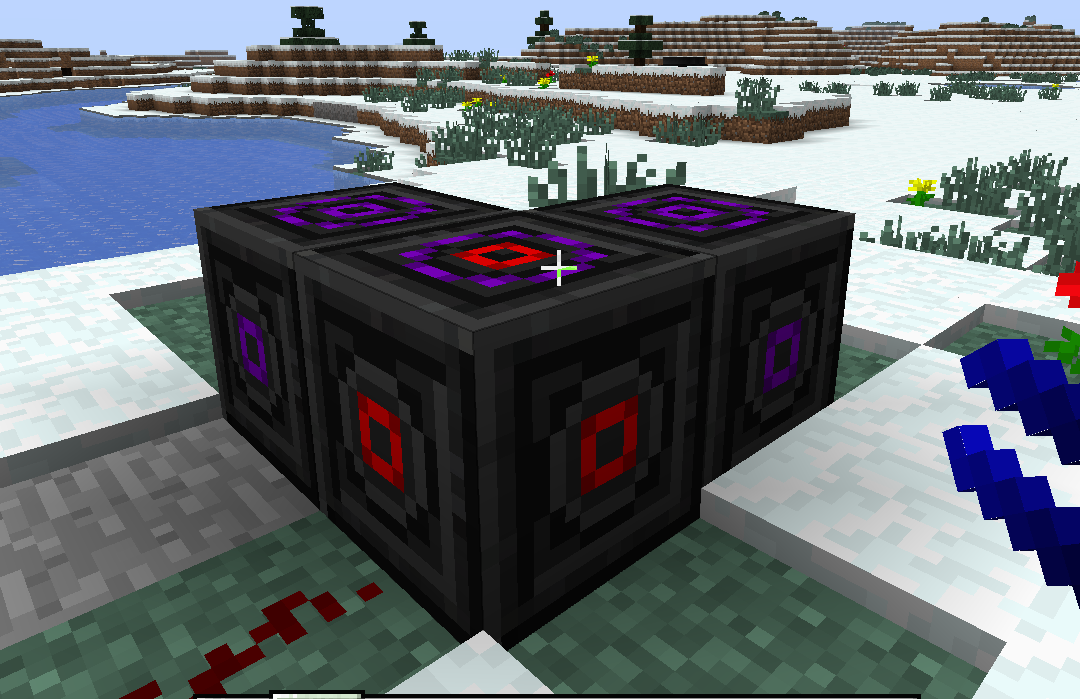
All tiers have 2 main machines, termed the "Deconstructor" and "Reconstructor", or thesaurus-ized equivalents.
The Deconstructor
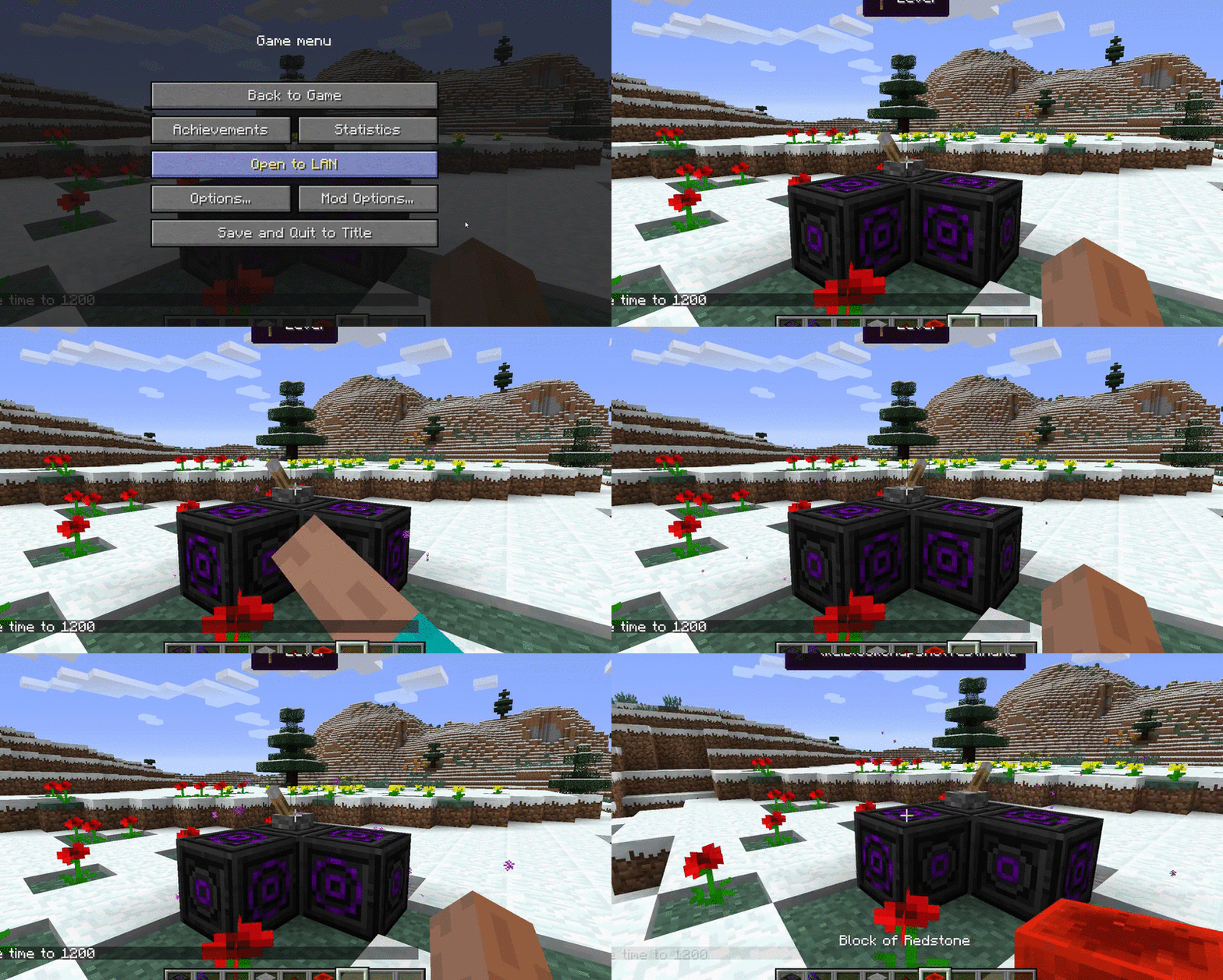
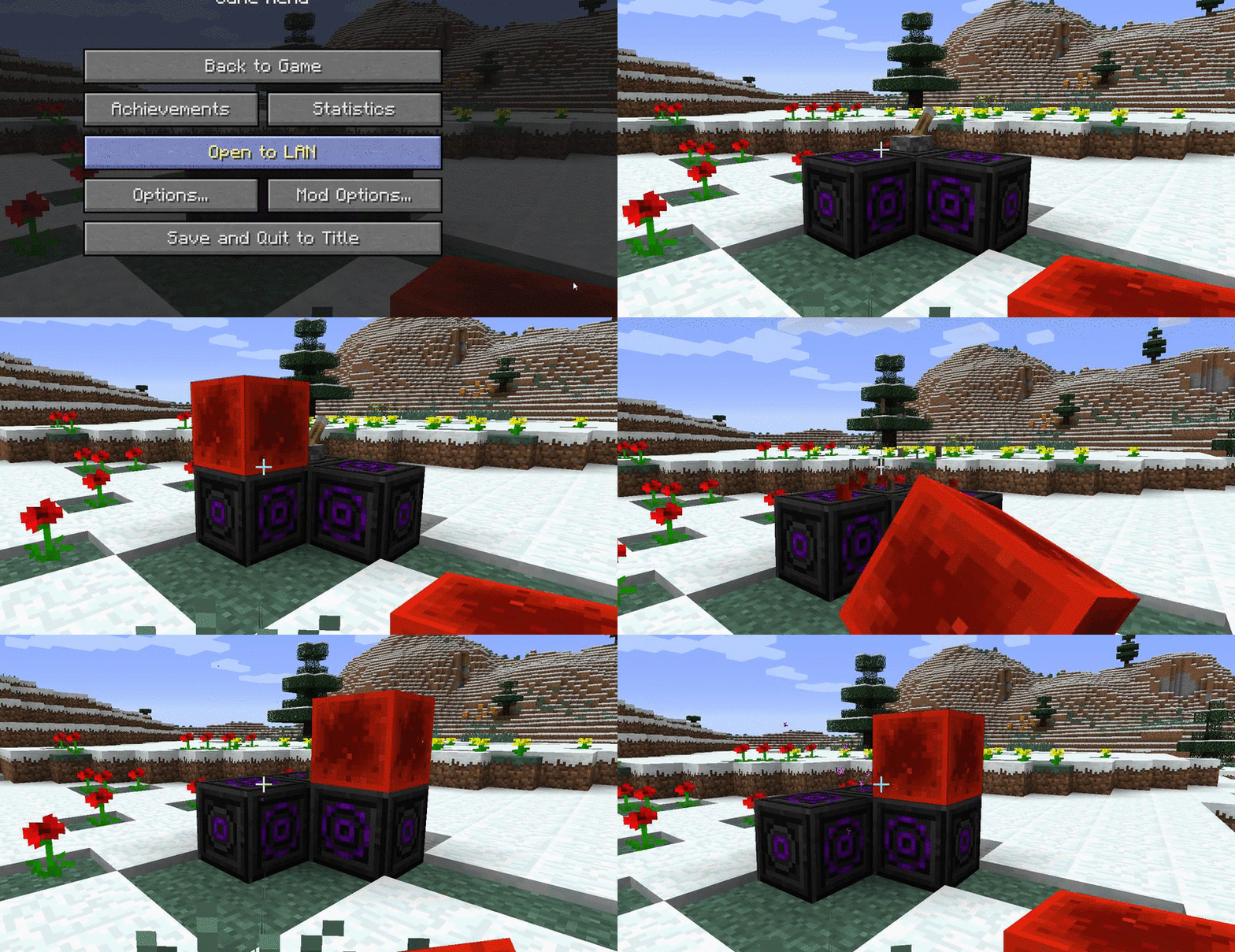
The deconstructor's job is to locate an Assembler Recipe with a given output, and break it down into its inputs. As it does so, it may potentially generate a fluid called mass. This is generated in miniscule amounts, based upon the tier of the decomposition recipe. Mass is used for rebuilding the recipe, as well as encoding recipes into schematics, which we'll get into later.
The Encoder
This block is the player's access to the Assembler Manager database. Simply place an item in the left hand crafting grid to see the equivalent recipe output on the right. Now that the player has discovered the recipe he wants to use, he needs to transfer it over to a reconstructor. The way to communicate the recipe is via an item called a Schematic. Lower tier schematics have limited uses, with the final tier allowing for infinite uses. Every time the recipe is created via a schematic, the schematic loses a use. When a schematic has used its final use, it reverts to an un-encoded schematic, and can be re-encoded.
The encoder uses mass and power to encode the given recipe on a specific schematic.
Higher tier recipes require more mass, as do higher tier schematics.
Advanced tooltips will show you the recipe encoded on a particular schematic.
The Reconstructor
You can think of this as the nemesis machine to the deconstructor. This machine takes in the input components and a recipe, and automatically creates the output.
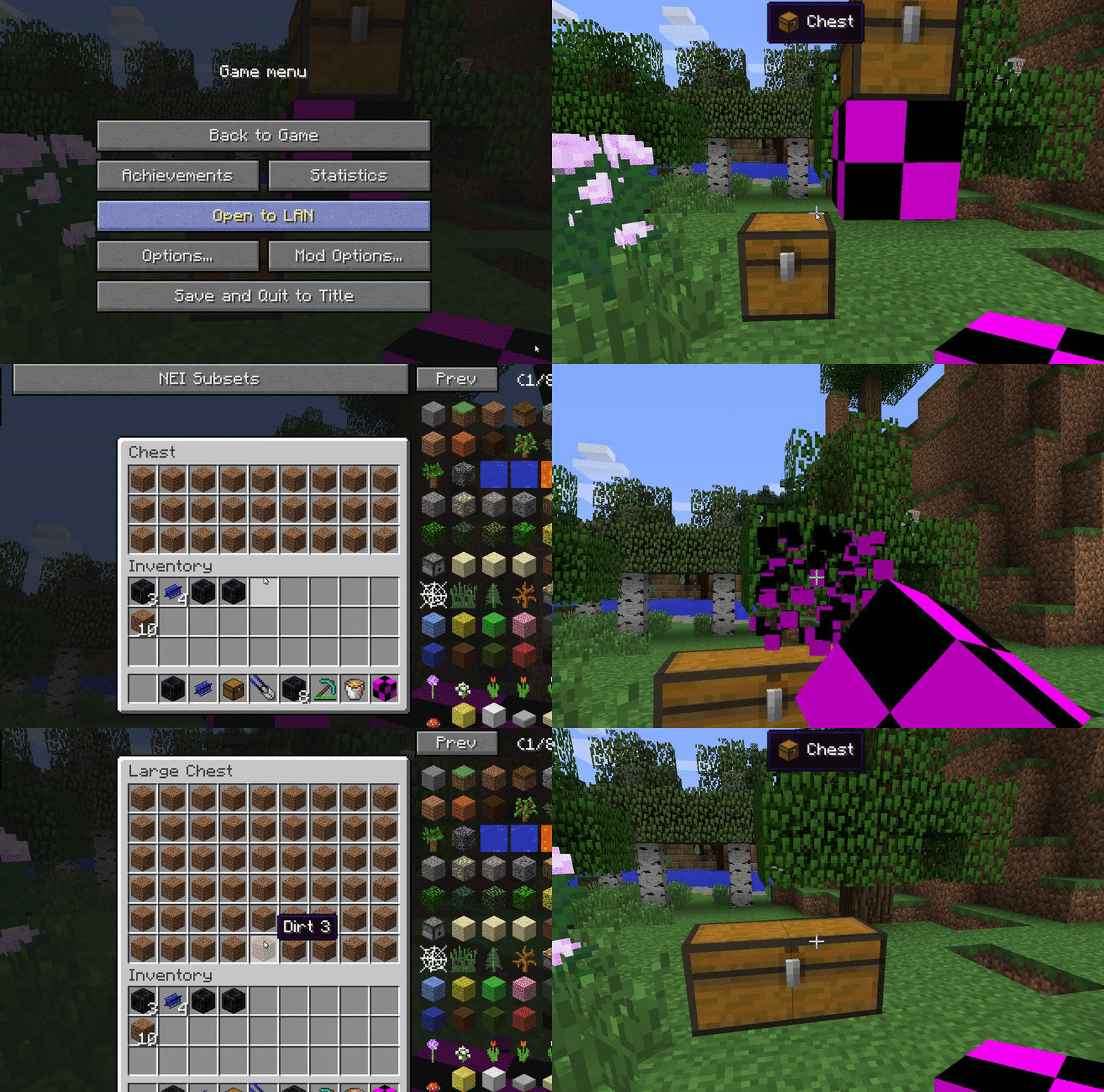
Here we can see the recipe shown for us for reference in the reconstructor machine, once we have put in the encoded schematic. There are no items in the inventory of the reconstructor, so no crafting is currently being done.
Once we put some Mineral Lattice in the inventory, we can see the reconstructor use one of its uses , consume some power and the required mass, and begin to craft.
And here we can see the output dirt. Thus, we have successfully deconstructed Stone into Mineral Lattice, created a schematic, and turned it back into Dirt.
The Implication
Now, you have seen me use an item called a Mineral Lattice. This is one of many items in the Micro tier that regular minecraft items will decompose into. I will henceforth refer to these types of items as Components. Micro tier Components are not the end of the line, however. Once you have a Nano Deconstructor, you can break down Micro tier Components into their Nano tier. With a Nano Reconstructor, you can reassemble those Nano tier Components into Micro tier. The same occurs with Nano -> Femto and back.
Thus, as you progress down Femtocraft, the decomposition/recomposition tree widens, as you can start breaking items down further into the Components required for a particular reconstructed item.
However, it is not entirely equivalent. It is very unlikely that you can use 100% of the deconstructed Components from one particular Item in the reconstruction of another. However, those items still exist for use in another particular cause.
The Tease